Rainbow Roadmap guide
How to create a bilingual PDF and choose a reading version
Follow the member translation workflow: upload, choose languages and source pages, confirm credits and select the original or bilingual PDF for reading.
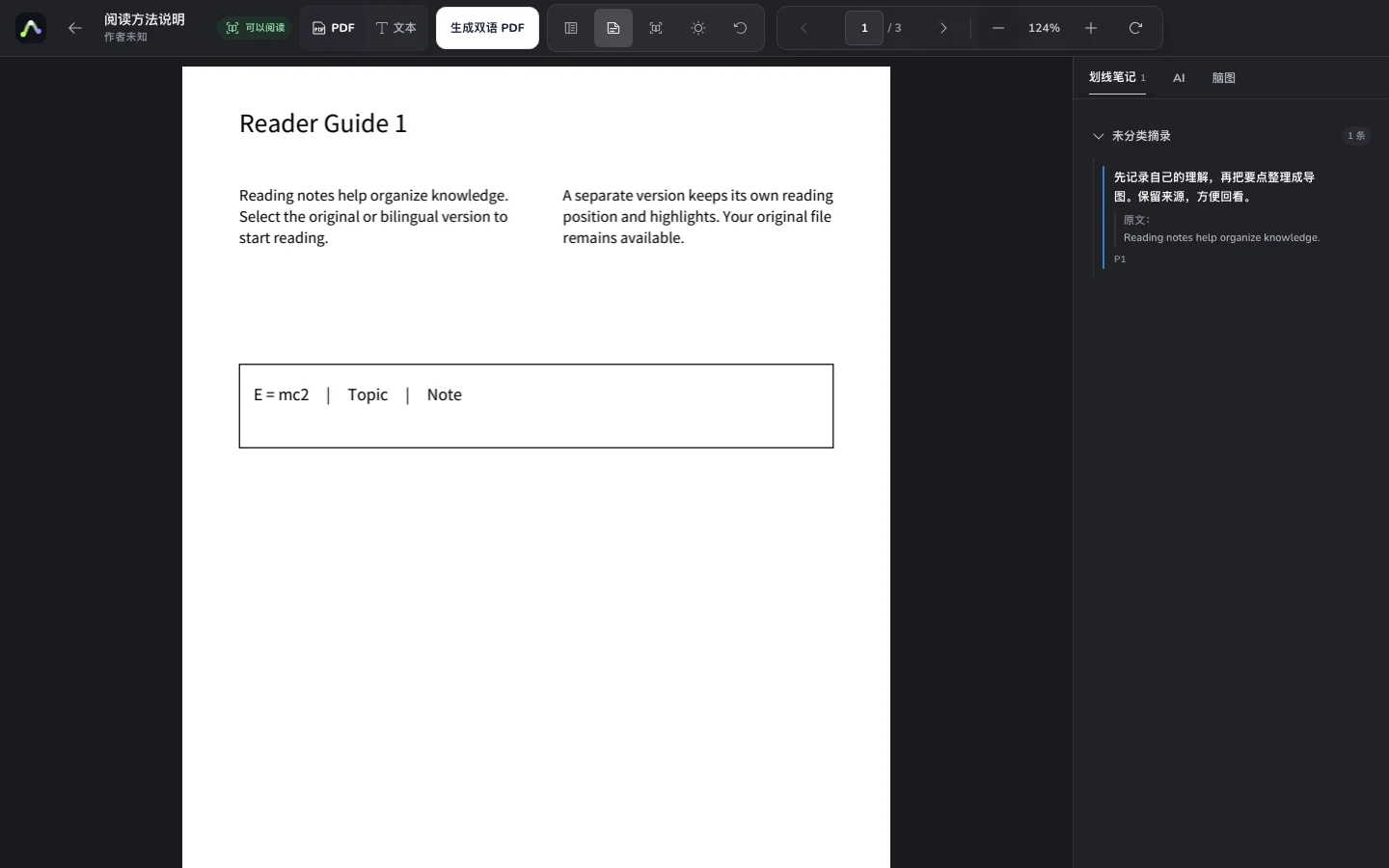
Start with an abstract or a short section so you can check terminology and layout. Translation creates a separate version and keeps the original. The comparison below illustrates layout only.
Before you start
- Sign in with active membership and enough AI credits.
- Prepare a text PDF and check the current file and page limits in the translation dialog.
- Choose the source and target language from the supported options.
01
Upload and open translation
Upload a PDF to the knowledge base and choose Generate bilingual PDF. Keep the original file and notes; there is no need to upload the same file again.
This public tutorial does not process your file.
02
Choose languages and pages
Select the source and target languages, then choose the whole file or a source page range using the format shown in the dialog.
Begin with a few important pages to check terminology and direction.
03
Review credits and generate
Check the selected source page count, current per-page price and total before generating. Failure or cancellation before delivery releases the reservation.
Billing uses selected source pages, not the resulting bilingual page count.
04
Choose a version to read
Once generation succeeds, select the original or bilingual PDF and start reading. The selected version opens; use the available controls to retrieve the outputs.
Compare complex formulas, figures and layouts with the original.
Try an example
Read the original alongside a translation
Examples use an original reading guide. Open the workspace to work with your own files.
Layout illustration · Not a generated translation file
Original · English
After reading, recall the ideas and check them against the source.
译文 · 中文
阅读后先回忆要点,再回到原文核对。
In the product, select languages and source pages, confirm the credit cost, then choose the original or bilingual output to read. Complex layouts still need checking.
Check your result
- The language direction and source page range are correct.
- Membership, total cost and task result have been checked.
- You selected the intended reading version and verified important terms.
Common questions
No. PDF translation requires membership and uses AI credits per selected source page. Costs appear before starting.
No. The original remains available, and reading follows the selected version. Translation content and layout are not guaranteed to be perfect.