Questions about one PDF
Retrieve relevant excerpts from a ready document and answer a focused question.
Chat with PDF
Upload a PDF, ask AI about its ideas and understand selected passages. Follow page citations back to the source. For ongoing conversations or comparisons across files, use member folder Q&A.
Upload a PDFSee how it works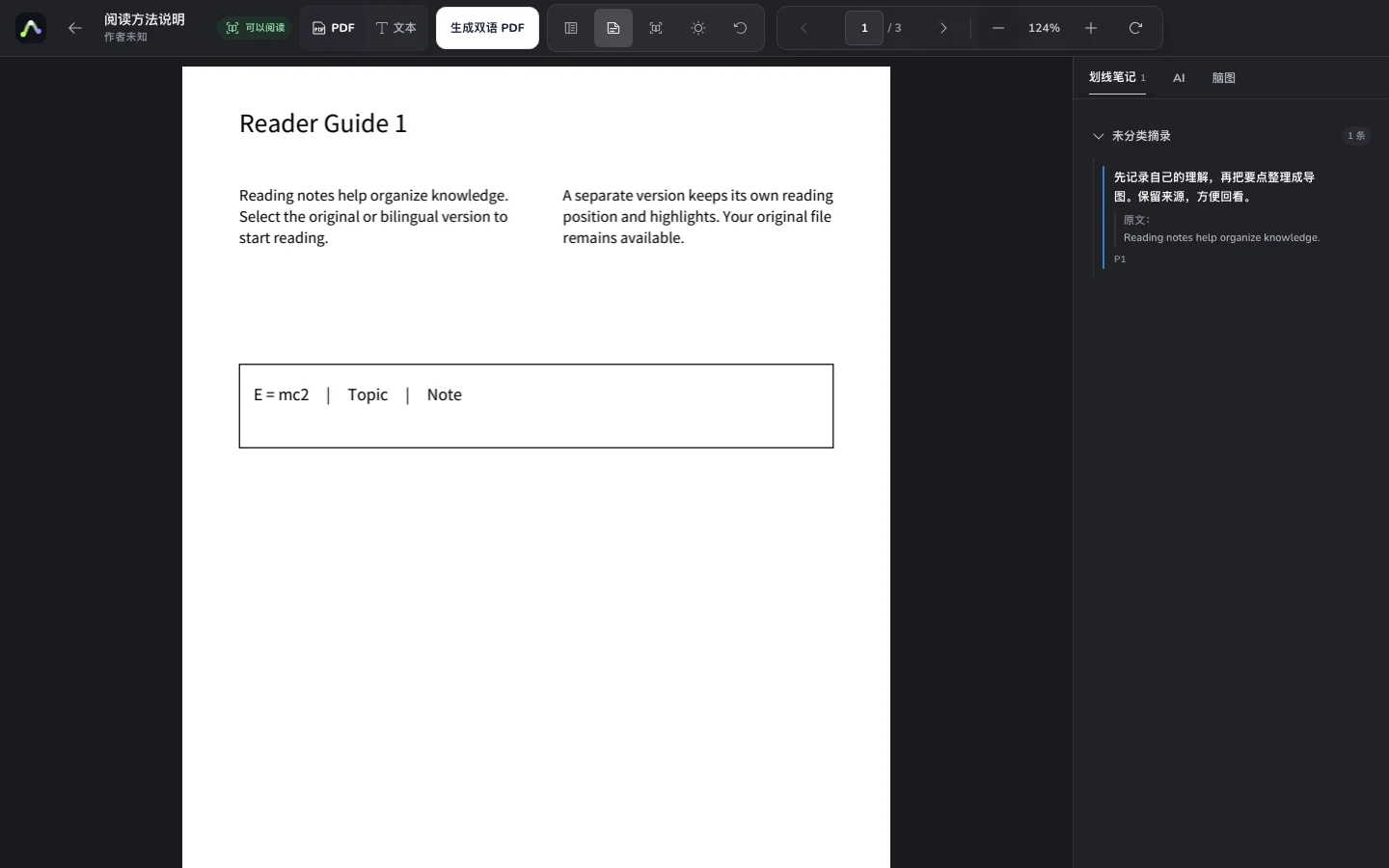
Try an example
Examples use an original reading guide. Open the workspace to work with your own files.
What study process does this guide suggest?
Recall the ideas, check them against the source and organize your notes to identify gaps.
What makes a useful note?
Keep the source, add your explanation and record questions to check next time.
Example source excerpts
After reading, recall the ideas, check the source and organize your notes. This process helps you find gaps in understanding.
A useful note includes its source and your explanation. Record questions and check them during your next reading session.
Sign in, upload a text PDF and wait for parsing and semantic indexing.
Open AI Q&A in the reader or request an explanation of a selected passage.
Follow citations to the PDF, check the evidence and keep your own notes.
Retrieve relevant excerpts from a ready document and answer a focused question.
Return to the cited PDF page to check the author's words before relying on an answer.
Explain, summarize or ask about selected text without losing its reading context.
Keep notes, then compare files or continue a conversation with folder Q&A.
Ask about its argument, methods and limitations, then check the citations.
Ask focused questions about difficult concepts and revisit the definitions.
Investigate its conclusions and evidence, then write notes in your own words.
Rainbow Roadmap is an independent AI reading and knowledge base product. Ask about ready PDFs, check page citations and connect reading with notes and mind maps.
Each question retrieves a limited set of relevant excerpts. It does not promise a page-by-page reading of the whole file. Check important conclusions against the source.
The single-PDF panel shows the current answer. Member folder Q&A supports follow-ups in the current page session; refreshing does not promise restored chat history.
AI access and credits follow your current account plan. Successful answers use the configured credit price. Folder Q&A also requires membership; check access and cost before starting.
Scans need extractable text and a ready index; OCR results are not guaranteed. Members can ask about EPUBs in a folder with chapter citations.
Your documents, canvas and maps belong in one workflow.