Capture ideas directly
Pens, watercolor strokes, arbitrary-angle lines and an eraser make sketching immediate.
Online Whiteboard
Ask questions and verify sources in your AI knowledge base, then manually organize insights, questions and personal notes on a freeform canvas. Text, sketches, structured nodes and connectors help express research relationships.
Open online whiteboardSee how it works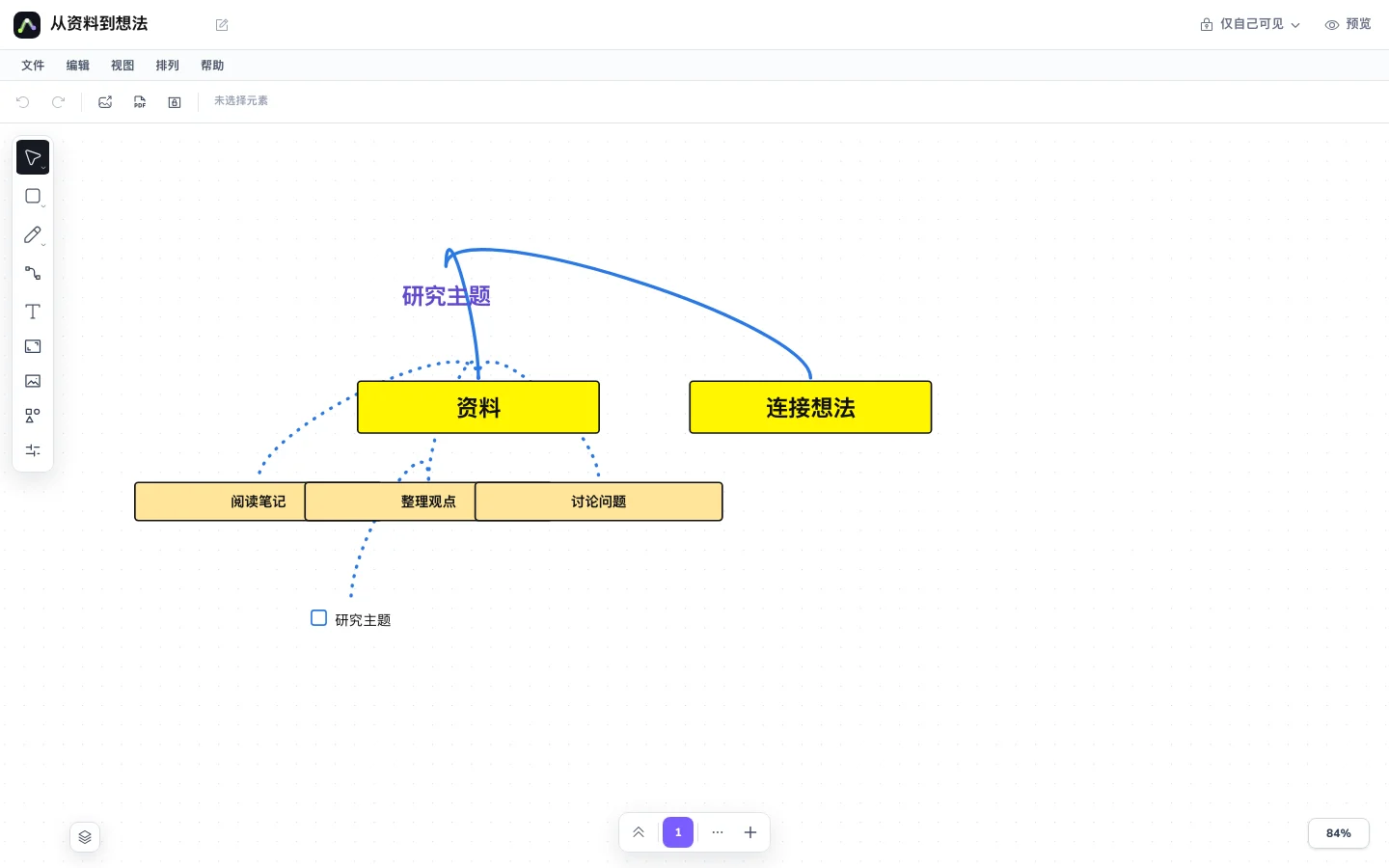
Create a whiteboard in the workspace and add your topic and supporting material.
Add text, shapes or sketches and use arrows to express processes and relationships.
Tidy the canvas and share the result with a read-only link or PNG export.
Pens, watercolor strokes, arbitrary-angle lines and an eraser make sketching immediate.
Place freeform writing and structured components in the same space.
Drag an arrow from a shape or component's plus control until it snaps to a target.
Switch between hand-drawn and business styles and adjust color, width and opacity.
Arrange steps and decisions on a canvas and use arrows to check for missing connections.
Combine short text, sketches and structured nodes while studying or discussing.
Group topics and claims around a question to discover relationships between sources.
A whiteboard allows freeform placement of text, shapes and drawings. A mind map focuses on a tree hierarchy of topics and branches.
Pens, watercolor strokes, lines and an eraser are available, with controls for color, width and opacity.
Select a shape or component, drag from its plus control, and move the arrow to a target to create a snapped connection.
Use the existing read-only sharing controls or export PNG. Permissions and allowances depend on your account.
Your documents, canvas and maps belong in one workflow.