Editable topic hierarchy
Topics and branches remain editable as your thinking develops, rather than becoming a fixed image.
Mind Map
Generate an AI map draft from PDF notes and knowledge cards, review its sources, and apply it to an editable canvas. Refine branches, outlines, layouts and themes to structure what you learn in your knowledge base.
Open mind map workspaceSee how it works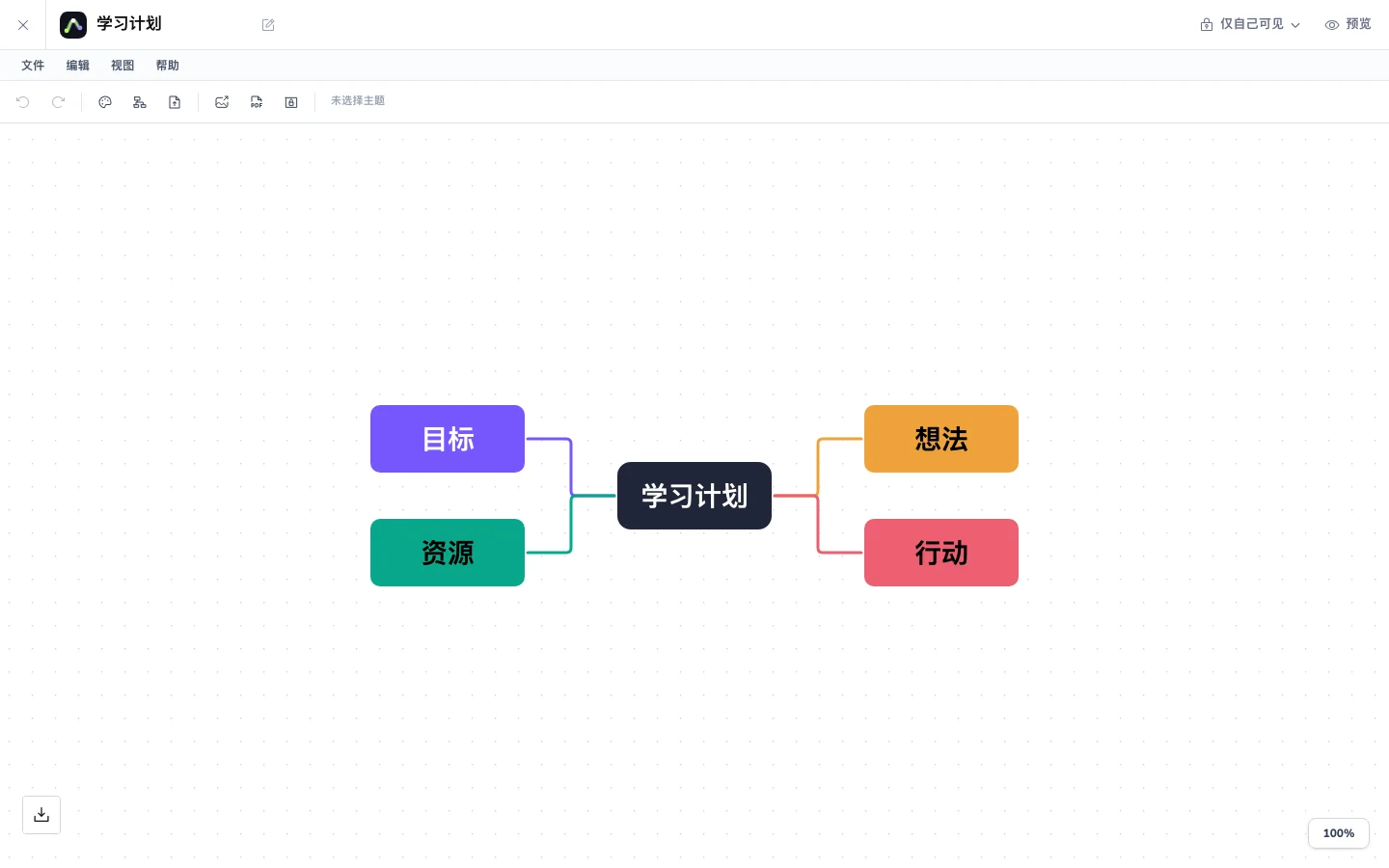
Save PDF highlight notes and knowledge cards in the reader and choose the question to organize.
Generate an AI map draft in the reader, check source links, and explicitly apply it to the canvas.
Choose a layout and theme, check the outline, and save, share or export your work.
Topics and branches remain editable as your thinking develops, rather than becoming a fixed image.
Choose balanced, one-sided or vertical layouts to make branches easier to follow.
Adjust colors, text and connections to highlight important ideas and improve readability.
Refine hierarchy in a draft outline, then explicitly apply it to the canvas.
Organize concepts, common mistakes and examples by chapter, then revisit individual ideas.
Separate claims, evidence and open questions into branches to compare sources.
Break a goal into phases, tasks and dependencies, then refine the structure after discussion.
Yes. Topics and branches support changes to structure, layouts, colors and text. Use the existing account flow to sign in and create a map.
No. The outline is a draft that you explicitly apply, so you can organize the hierarchy before confirming it.
Notes from parsed PDFs can be organized in editable maps with links to source material, helping you return from an idea to its context.
The workspace provides sharing and export controls. Available formats and allowances are shown in your account and export panel.
Your documents, canvas and maps belong in one workflow.