Active recall in context
Hide selected text while keeping nearby source context as a cue.
Cloze Notes & Review
Understanding a passage is only the beginning. Annotate PDF highlights, ask AI about difficult concepts, and hide key text for cloze review. Recall before revealing answers and return to the original context when needed.
Start notes and cloze reviewSee how it works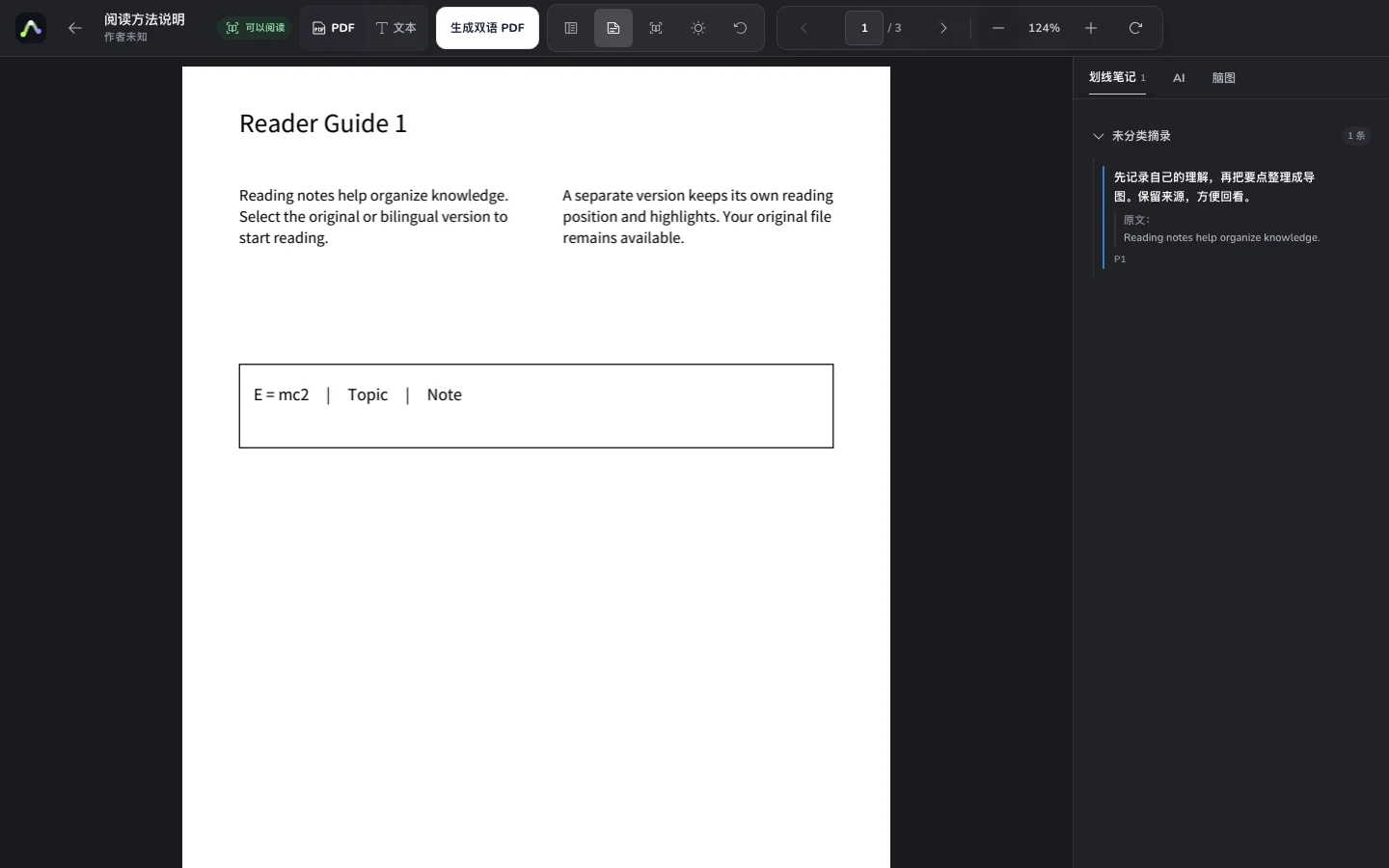
Upload a PDF, highlight key text and write your understanding. Ask AI about difficult passages.
Select the words to remember and use cloze in the source selection toolbar.
Recall first, reveal to check, and revisit the source, notes or map when you miss an answer.
Hide selected text while keeping nearby source context as a cue.
Mark passages with a highlight or underline and record your understanding on the same source selection.
Show or hide individual answers, or toggle all answers to follow your review routine.
Ask about PDF passages, save useful AI explanations as knowledge cards, and organize them into map drafts.
Hide terminology, definitions or conditions and test whether you can recall them.
Recall a claim and its evidence in context, then verify it in the original.
Record explanations and turn key steps or conditions into cloze exercises.
No. Cloze is a reader visibility tool for practice, not secure redaction or deletion of PDF content.
Yes. Reveal individual exercises or toggle all answers. Try recalling before you check.
The highlights, notes and cloze workflow on this page applies to PDFs. EPUBs support chapter reading, contents, reading settings and folder AI citation navigation.
Members can enable notes and cloze sharing separately. Recipients start with notes and practice, save independent editable copies after signing in and open watermarked sources when needed. Both options default to off, keeping private notes private until explicitly shared.
Your documents, canvas and maps belong in one workflow.