AI source and passage Q&A
Ask about the current PDF or selected text, request explanations and summaries, check citations, and save useful answers as knowledge cards.
AI PDF Reader
Keep PDFs and EPUBs in your knowledge base. Ask AI about PDFs and selected passages, request explanations and summaries, take notes and practice cloze review. Read EPUB chapters or compare multiple sources with member folder Q&A and check the citations.
Open my knowledge baseSee how it works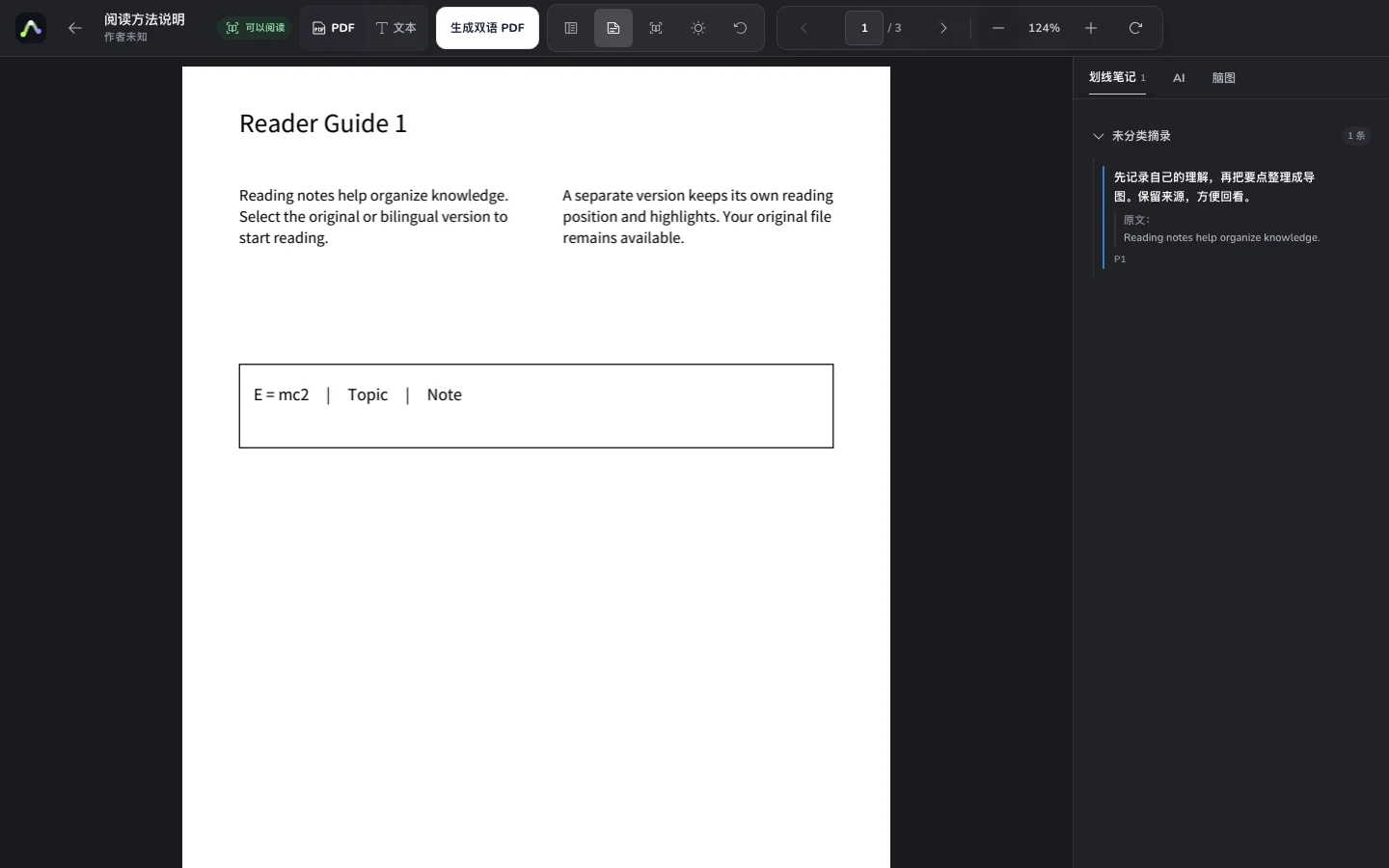
Upload a local document and keep learning and research material together in your library.
Navigate pages and outlines, ask AI about passages, take notes and create cloze exercises.
Turn notes into knowledge cards and maps, then return to source material to check an idea.
Ask about the current PDF or selected text, request explanations and summaries, check citations, and save useful answers as knowledge cards.
Keep the original PDF pages visible and use outlines, page numbers and saved reading position.
Annotate selected text while preserving its context on the source page.
Collect reading insights as material you can continue to organize and use.
Structure reading insights in editable maps with links back to original material and notes.
Note key claims and evidence in a paper, then revisit the relevant passage.
Organize chapter highlights and questions and connect concepts in a map.
Keep documents together and record your understanding as you work through them.
Yes. Import files through the knowledge base. File size, document counts and AI allowances are shown according to your account.
Parsed PDFs support text selection, highlights and notes. Selection on scanned pages depends on text recognition; not every PDF has selectable text.
Yes. Notes and knowledge cards retain source links, and associated map nodes can help you revisit the material.
The library supports PDF and EPUB import. Page reading, selected-text annotations and source links described here apply to parsed PDFs. EPUB parsing, chapter contents and reflowable reading are available, with real chapter citations in member folder Q&A. PDF page annotations and cloze do not apply to EPUBs.
Your documents, canvas and maps belong in one workflow.